

Have you ever designed something that looked perfect on your screen, but when printed, the colors seemed off? This happens because screens and printers speak different color languages. Understanding CMYK vs. RGB saves you from disappointing results and wasted money.
What Does RGB Actually Mean?
RGB stands for Red, Green, and Blue. Your computer screen, phone, and TV all use these three colors of light. When you mix these light colors, they create millions of different shades. Mix all three at full brightness, and you get white light.
Digital displays can show incredibly bright and vibrant colors. That neon pink or electric blue looks stunning on your monitor. But here’s the catch: printers can’t recreate those glowing light-based colors with ink on paper.
How Does CMYK Work Differently?
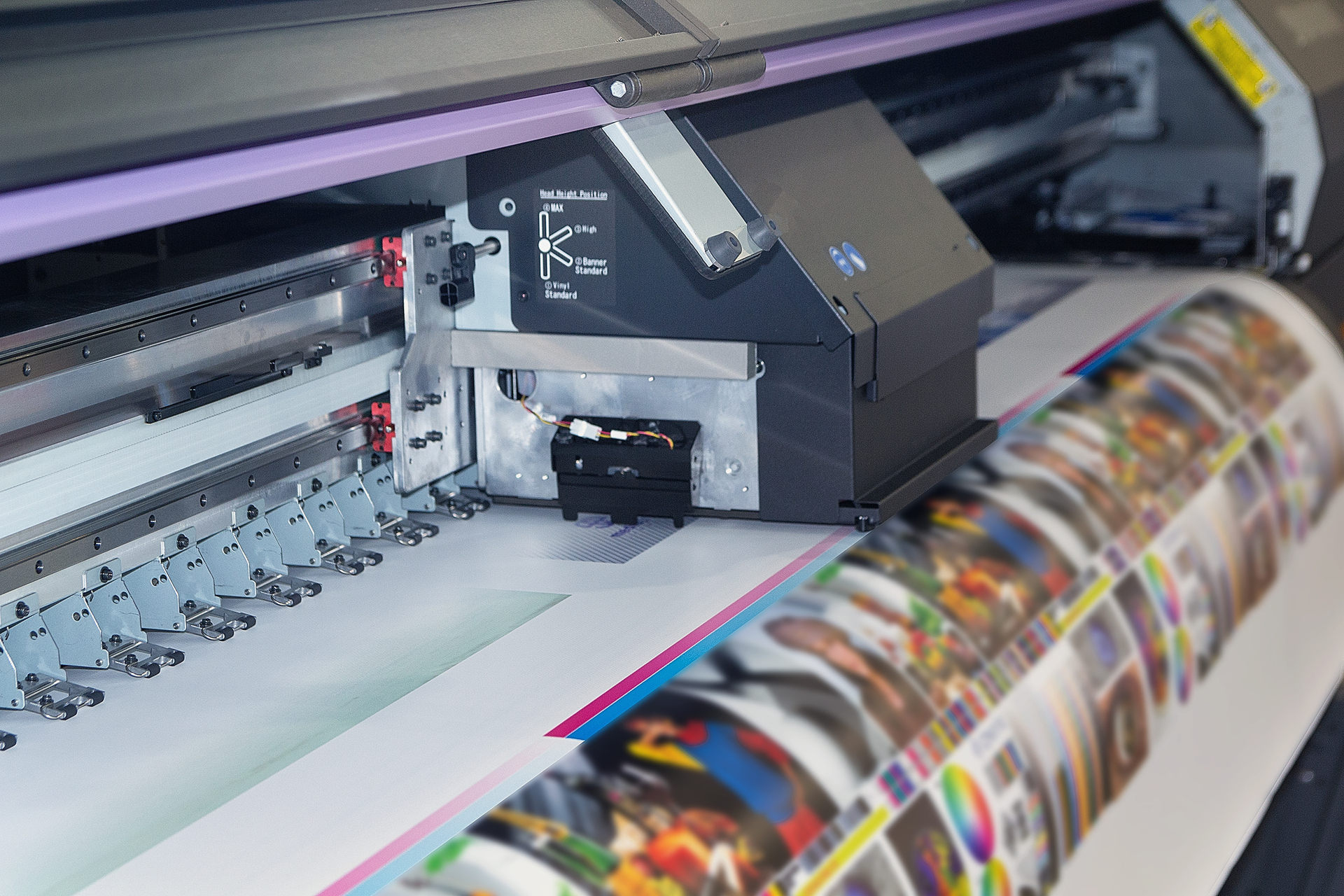
CMYK uses Cyan, Magenta, Yellow, and Black inks. Notice how these are actual physical inks, not light. When you print materials, ink sits on paper and reflects light to your eyes instead of emitting it directly.
This creates a smaller range of possible colors. Printers mix these four inks in different amounts to create various shades. The “K” stands for “key,” which printers call black ink. Black adds depth and detail that the other three colors can’t achieve alone.
Why Does This Difference Cause Problems?
Imagine designing a flyer in RGB mode. Your logo has a beautiful, bright blue. You send it to print, and suddenly that blue looks duller and slightly different. You might think the printing service made an error, but the real issue was the color mode.
RGB contains colors that CMYK simply cannot reproduce. When a printer converts RGB files to CMYK, it makes its best guess at matching colors. Sometimes this works fine. Other times, the difference feels noticeable and frustrating.
Simple Steps to Get Colors Right
Always design print projects in CMYK mode from the start. Most design software lets you choose this setting when creating a new document. This ensures you see realistic colors during the design process rather than being surprised later.
Converting RGB to CMYK after finishing your design can shift colors unexpectedly. Starting in the correct mode prevents this headache. You’ll know exactly how your final printed products will look before sending files to production.
What About Photos and Images?
Photos taken with cameras or phones naturally exist in RGB format. When adding these to print projects, your design software or printer converts them to CMYK automatically. This usually works well for photos because they contain realistic colors rather than super-bright digital effects.
However, heavily edited photos with boosted saturation might lose some punch in print. If accurate photo colors matter for your project, do a test print first. This small investment prevents disappointment with large print runs.
How Spencer Printing Helps You Get It Right
At Spencer Printing, we understand that color accuracy makes or breaks your printed materials. Our experienced team reviews every file before production, catching potential RGB-to-CMYK issues that might affect your final results.
We’ll work with you to ensure your vision translates perfectly from screen to paper. Our people-first approach means we’re here to answer questions and provide test prints so you feel confident before committing to full production runs.